How do I See Whether a Campaign Has Ads With Duplicate Media?
To check if an campaign has two or more ads with duplicate media:
1.From Ad Management, click Campaigns.
2.In Campaigns, click the campaign you want to view.
3.In the campaign, click the ad you want to check.
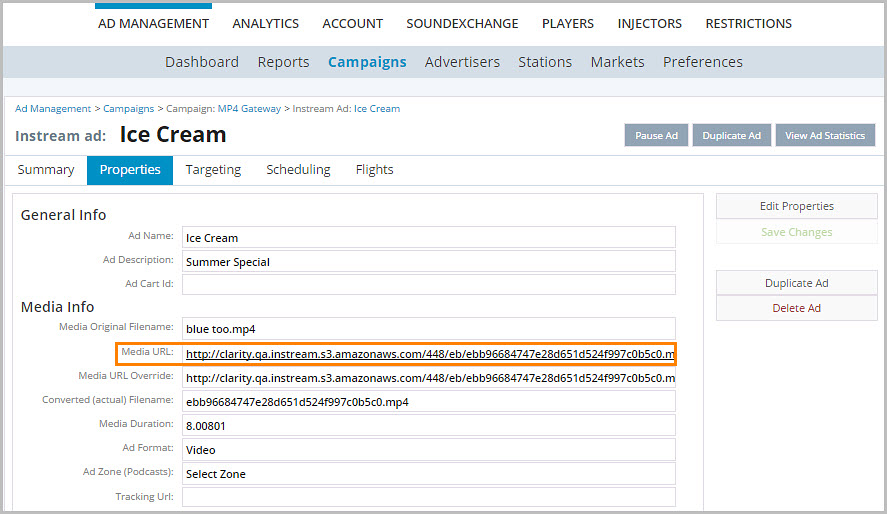
4.Click Properties. To check the Media URL, look in the Media Info section. Once you have the URL, look up other ads and compare the URLs to determine if two ads have the same media file.