How Do I Edit My Ad Injection Type?
To edit the injection type for your AmperWave Streaming account:
1.From Ad Management, click Campaigns.
2.In Campaigns, click the campaign the ad belongs to.
3.Scroll down to the ad, and then click the ad.
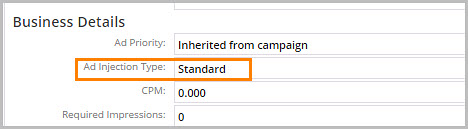
4.Click Properties. The Business Details next to Ad Injection Type displays what the type of media is set to.
5.Click Edit Properties.
6.Select either Standard, Client Side, or Dry Liner.
7.Click Save Changes.
Note: Most ads should be set to Standard. If the Ad Injection Type is set to Client-side, then there may be geo-targeted ads replacing it. Dry Liners should not be used without consultation with AmperWave Streaming Support.