How Do I Find My Ad Format?
To check an ad's format:
1.From Ad Management, click Campaigns.
2.In Campaigns, click the campaign the ad belongs to.
3.Scroll down to the ad, and then click the ad.
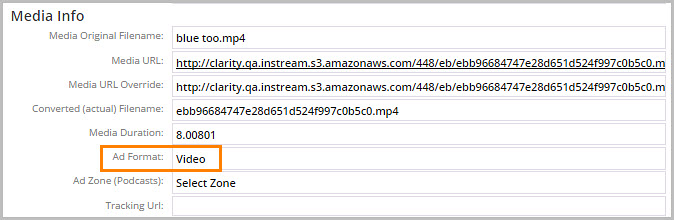
4.Click Properties. To check the Ad Format, look in Media Info. The format can be Audio or Video.