How Do I Edit the Priority of an Ad?
To edit the priority of an ad:
1.From Ad Management, click Campaigns.
2.In Campaigns, click the campaign the ad belongs to.
3.Scroll down to the ad, and then click the ad.
4.In Campaigns, click Campaign Properties.
5.Click Edit Properties.
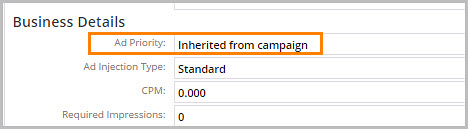
6.In Business Details, update the ad priority.
7.Click Save Changes.