How Do I Check to See the Stations That My Campaign or Ad Are Targeted To?
To check the stations a campaign or ad is targeted to:
1.From Ad Management, click Campaigns.
2.Click Active Campaigns.
3.Scroll through the Campaign list.
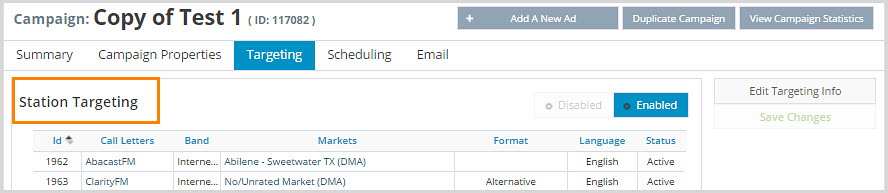
4.Click the name of the campaign you want to view.
5.Click the Targeting tab to see the list of stations targeted by this campaign.