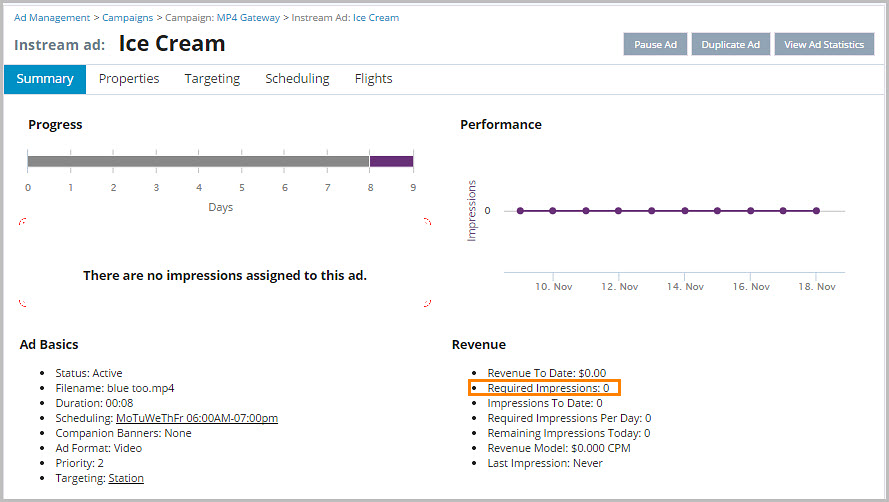
How Do I Check to See if My Ad Has Met Its Required Plays/Impressions?
To check if an ad has met its required plays or impressions:
1.From Ad Management, click Campaigns.
2.In Campaigns, click the campaign the ad belongs to.
3.Scroll down to the ad.
4.Click the ad.
5.To view the Required Plays/Impressions, look in the Revenue module (under the Performance chart).