How Do I Check That a Companion Banner is Tied to an In-Stream Ad?
To check that a particular companion banner is tied to an in-stream ad:
1.From Ad Management, click Campaigns, and then click the campaign that the companion banner belongs to.
2.In Campaign Summary, click the name of the in-stream ad.
3.Click Properties. To verify that there is an banner ad tied to the in-stream ad, check under the Companion Banners heading.
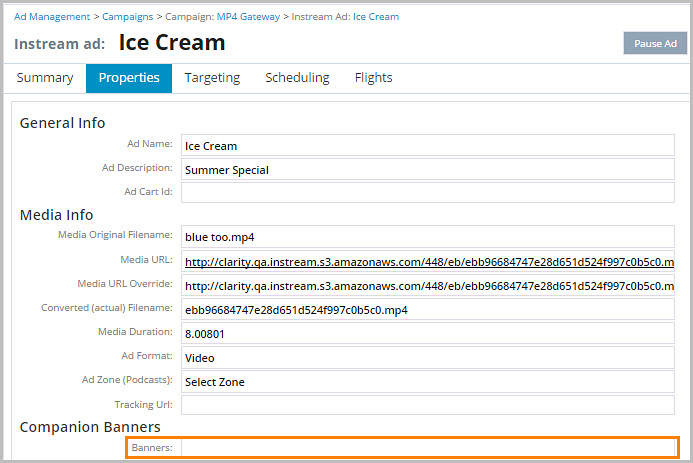
Note: If a companion banner is not tied to any ads in a campaign, it shows in light-gray on the Campaign Summary tab.