How Do I Check to See if My Campaign is Scheduled?
To check if a campaign is scheduled:
1.From Ad Management, click Campaigns.
2.Click Active Campaigns.
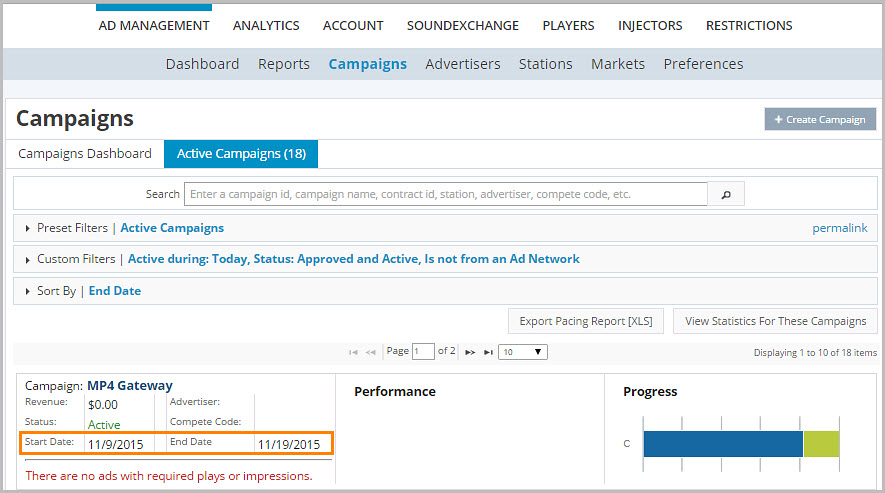
3.Scroll through the Campaign list.
4.In the Campaign list, view the start and end dates in the campaign you are viewing.