How Do I Check Ad Revenue?
To check an ad's revenue:
1.From Ad Management, click Campaigns.
2.In Campaigns, click the campaign the ad belongs to.
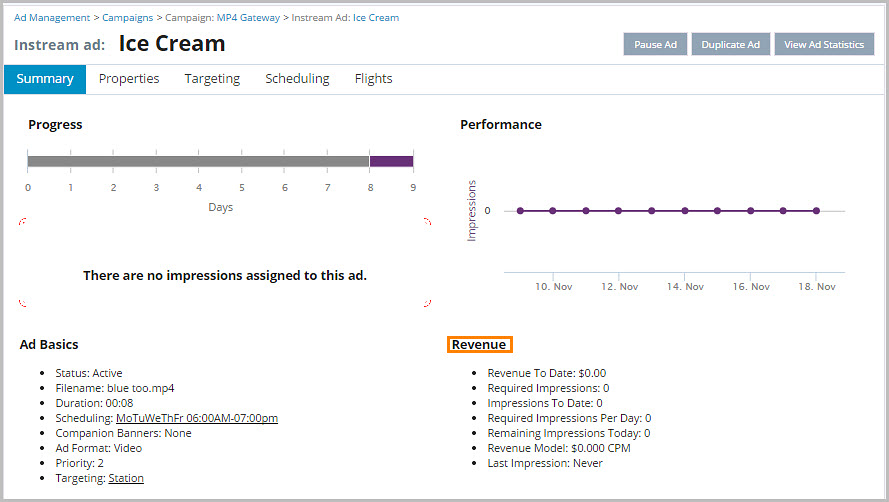
3.Scroll down to the ad, and then click the ad.
4.The Revenue module (under the Performance chart) displays the Revenue To Date that the ad has generated.