How Do I View or Edit the No Compete Time of Ads?
To view or edit the no compete time used by ads:
1.From Ad Managment, click Preferences.
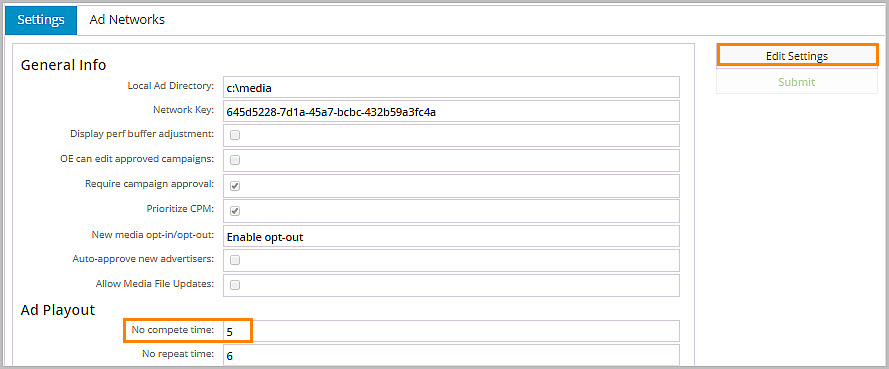
2.In Ad Playout, view the No compete time.
3.Click Edit Settings to edit the No compete time.
4.Click Submit.
To view or edit the no compete time used by ads:
1.From Ad Managment, click Preferences.
2.In Ad Playout, view the No compete time.
3.Click Edit Settings to edit the No compete time.
4.Click Submit.