Running an On Demand Inventory Trends Report
If you have a AmperWave account along with a AmperWave Streaming account you can produce a AmperWave Inventory Trends Report.

Click the Ad Management tab, then the Reports sub-tab, then select Inventory Trends. |
To run an inventory trends report:
1.In Inventory Trends, select the On Demand tab.
2.In Inventory Trends, click the arrow(s) to select any or all of the filters.
3.In Date Range, select a range.

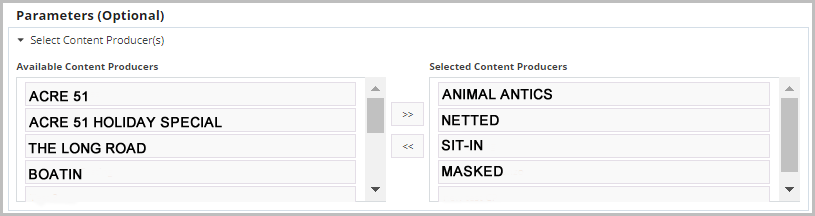
4.In Select Content Producer(s), click the double arrows to move stations from Available Content Producers to Selected Content Producers.
5.In Select Channel(s), click the double arrows to move stations from Available Channels to Selected Channels.
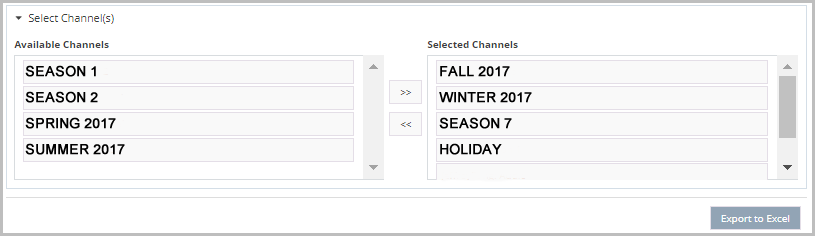
6.Click Export to Excel to export the results to a spreadsheet.