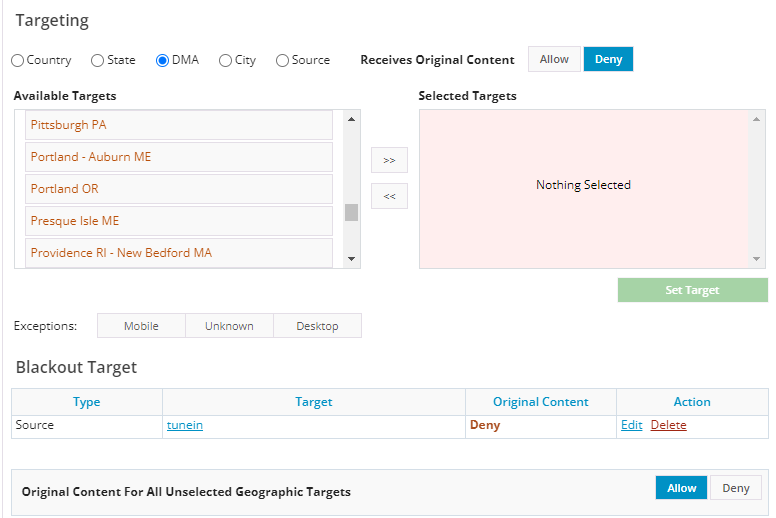
Blackout Examples
Apply Blackout to All users:
In order to reject all users, leave the Receives Original Stream column empty.
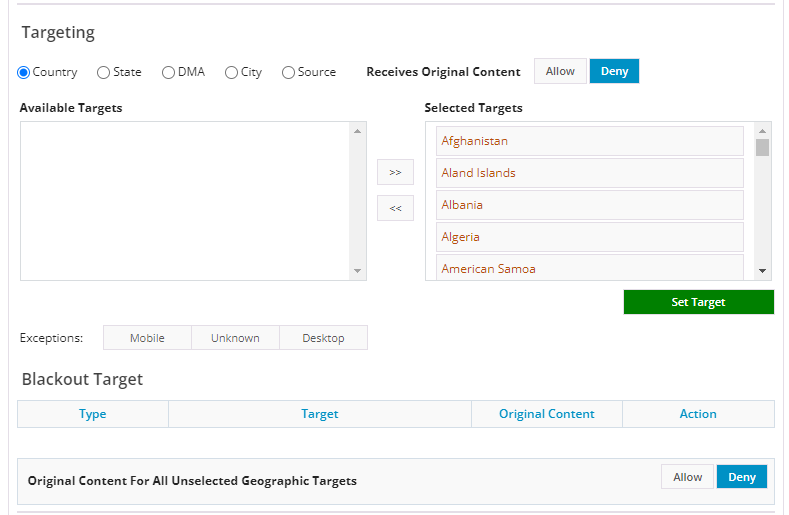
Apply Blackout to Portland OR. DMA Only:
In Targeting, move Portland, OR. DMA to the Receives Alternate Content column.
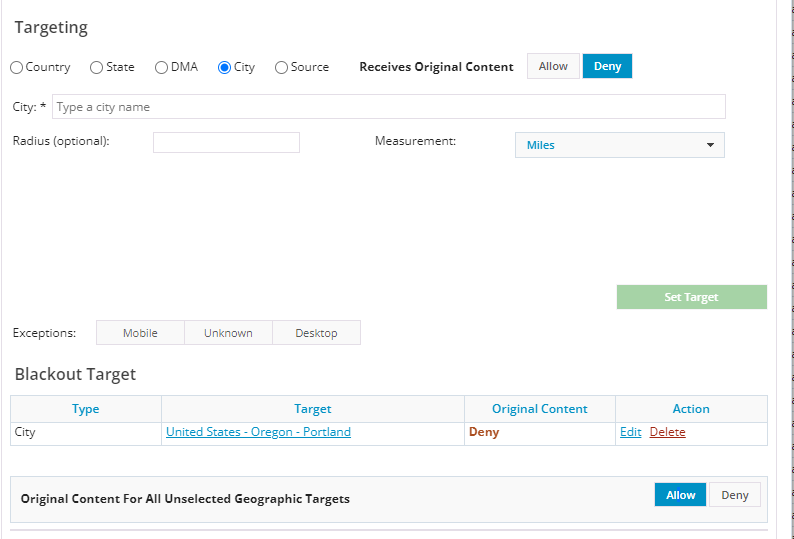
Apply Blackout to Canada and the United States Only:
In Targeting, select Country, and then move the United States and Canada to the Receives Alternate Content column.
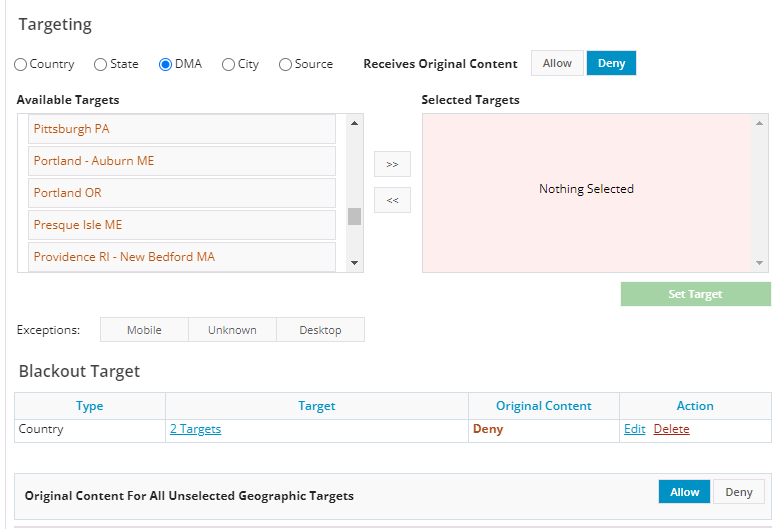
Apply a Blackout to all Mobile Devices in all DMAs:
In Targeting, select DMA, and then move all DMA’s to Receives Original Stream. In Exceptions, click Mobile.

Apply a Blackout to a Source
In Targeting, select Source, and enter a source value.