Deleting a Custom Market

Click the Ad Management tab, then the Markets sub-tab. |
1.On the Markets page, select a market by clicking it.
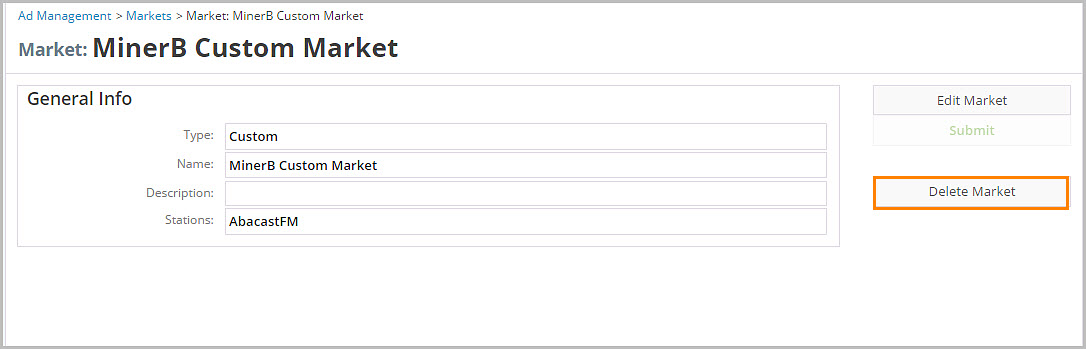
2.In General Info, click Delete Market.
3.In Confirm, click Confirm.
Click the Ad Management tab, then the Markets sub-tab. |
1.On the Markets page, select a market by clicking it.
2.In General Info, click Delete Market.
3.In Confirm, click Confirm.