How Do I Verify That the Stream Down Alert is Set Up?
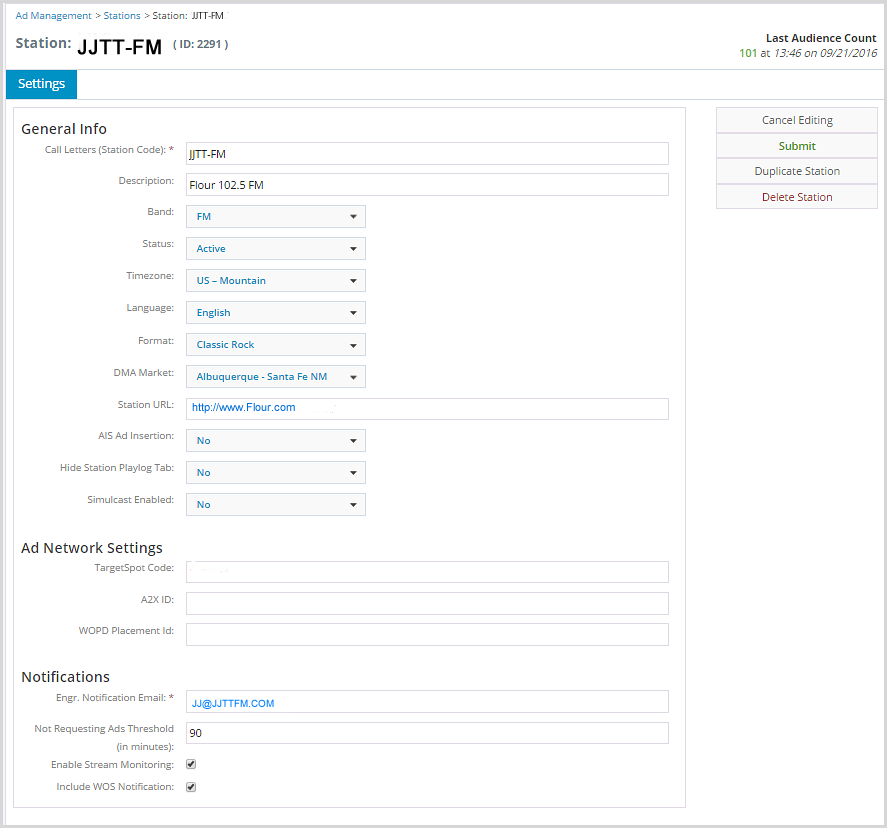
To verify that a stream down alert is set up:
1.From the main menu, click Stations.
2.In the Stations list, select a station by clicking it.
3.In Settings, scroll down to Notifications.
4.In Notifications, check the Enable Stream Monitoring field. If it is checked, then stream down alerts are enabled.