Ad Targeting Tab
The Targeting tab enables the viewing and setting of various ad targeting properties, including targeted stations and user geo or device targeting.
Station Targeting
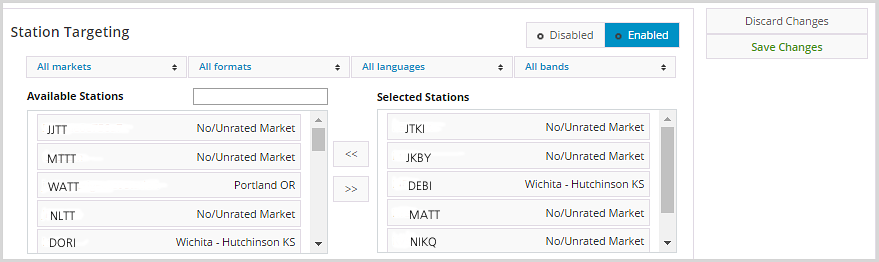
Station targeting lets you select stations to target your ads to. To make it easier to find the stations you want, filter stations by market, format, or language.
Geographic Targeting
Note: The per-user ad targeting options below are disabled for ads in campaigns that have their In-Stream Traffic Type set to either Plays or Share of Voice. If you need these targeting options, the In-Stream Traffic Type of the campaign must be set to Impressions.
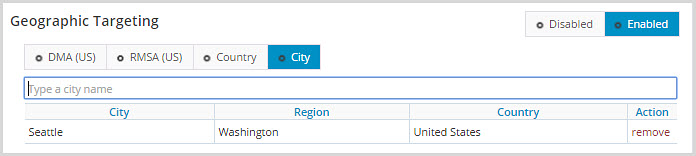
Geo-targeting enables targeting ads to individual users based on their geo-location. Geo-targeting is determined using the user’s IP-address.
Device Targeting
Device targeting enables targeting individual ads to users based on the device they are using, such as a mobile or desktop device. Device targeting utilizes the user agent string passed when connecting to audio streams.
Note: Due to ongoing release of new devices and some user agents not accurately representing the device, device targeting is not 100% accurate.
Source Targeting
Source targeting relies on the “source=” tags that are added onto streaming links when the player or app connects to the stream. An example stream link with a “source=” tag is below:
http: //stream.abacast.net/playlist/entercom-knrkfmaac-64.m3u?source=tunein
In the example above, if you would like to run an ad that only targets your TuneIn users, you’d add “tunein” to the source targeting section of the targeting menu.
Keep in mind that this source parameter can be set to anything you want.