Ad Scheduling Tab
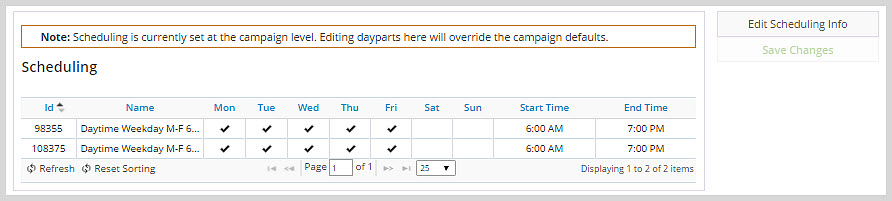
The Ad Scheduling tab lets you specify when during the day the ad is available to play. If the scheduling was defined at the campaign level, the ad can either inherit those same settings by default or override them at the ad level with scheduling that is specific to the ad.
The scheduling options include common dayparts such as “Daytime Weekly M-F 6a-7p” and also provide the ability to define custom dayparts. Multiple dayparts can be defined, with the system using all of them to determine the hours that an ad can be played.
To change the scheduling click Edit Scheduling Info.