Ad Flights Tab
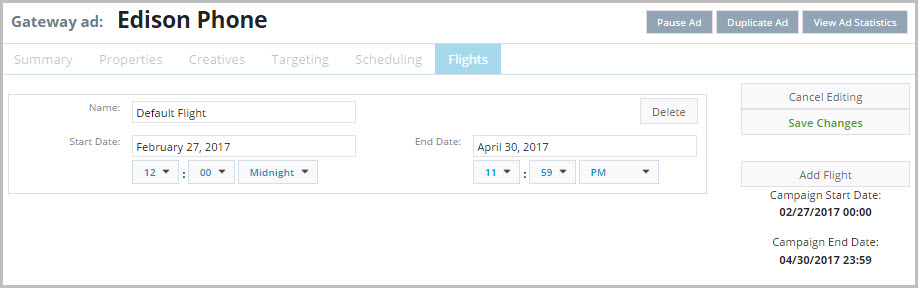
The Ad Flights tab lets you create discrete date ranges within the campaign start and end dates in which the ad is eligible to play.
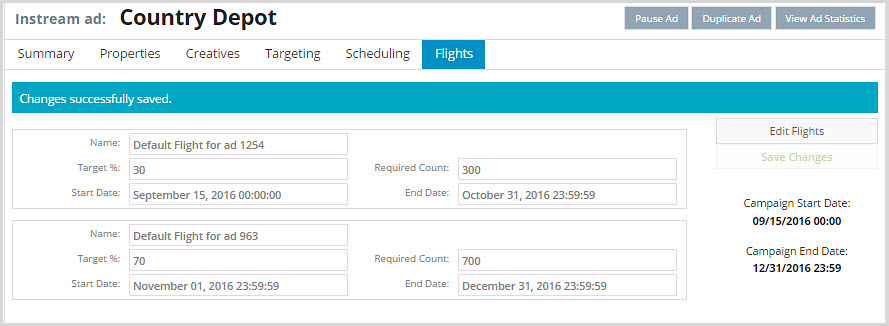
By default there is a single flight that starts at campaign start time and ends at the campaign end time. If you want something different, define specific flights for the individual ad. For example, if you want the ad not to play during the middle of the campaign, define two flights: one for the date range at the beginning of the campaign, and one for the date range near the end of the campaign. The ad only plays during those two flights, not during the days between them. Within each flight, define the start and end date of the flight and the percentage of ad impressions or plays to meet during the flight.
Note: Companion banners are tied to in-stream or gateway ads, and therefore they are part of the flights of those ads.
Example 1: In-Stream ad
Example 2: Gateway ad